Reuse an established library
Move eligible top-level Zotero records into Rivul AI without rebuilding the reference list by hand.
Import source records from your Zotero library, open the material you need, cite it while writing, and export a manuscript that keeps its references.
One-shot import and push. Zotero credentials are not stored. Citation insertion and manuscript export are included free.
Each step has one job. Imported metadata stays identifiable, full text is added when needed, and the citation enters the manuscript where it is used.
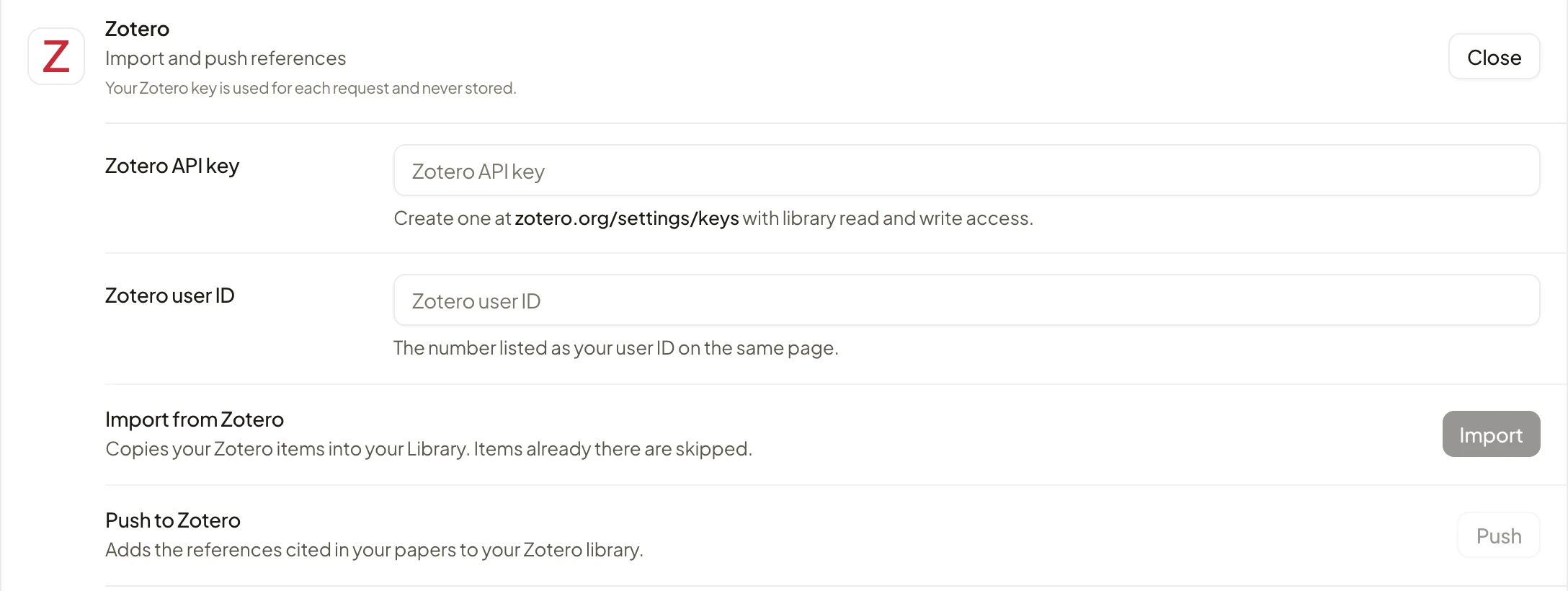
Use a Zotero API key and user ID for the import request.
Bring top-level source records into the Rivul AI library.
Inspect metadata and attach or retrieve a PDF when full text is needed.
Choose the library reference where the sentence uses it.
Download a cited Word or IEEEtran LaTeX manuscript.
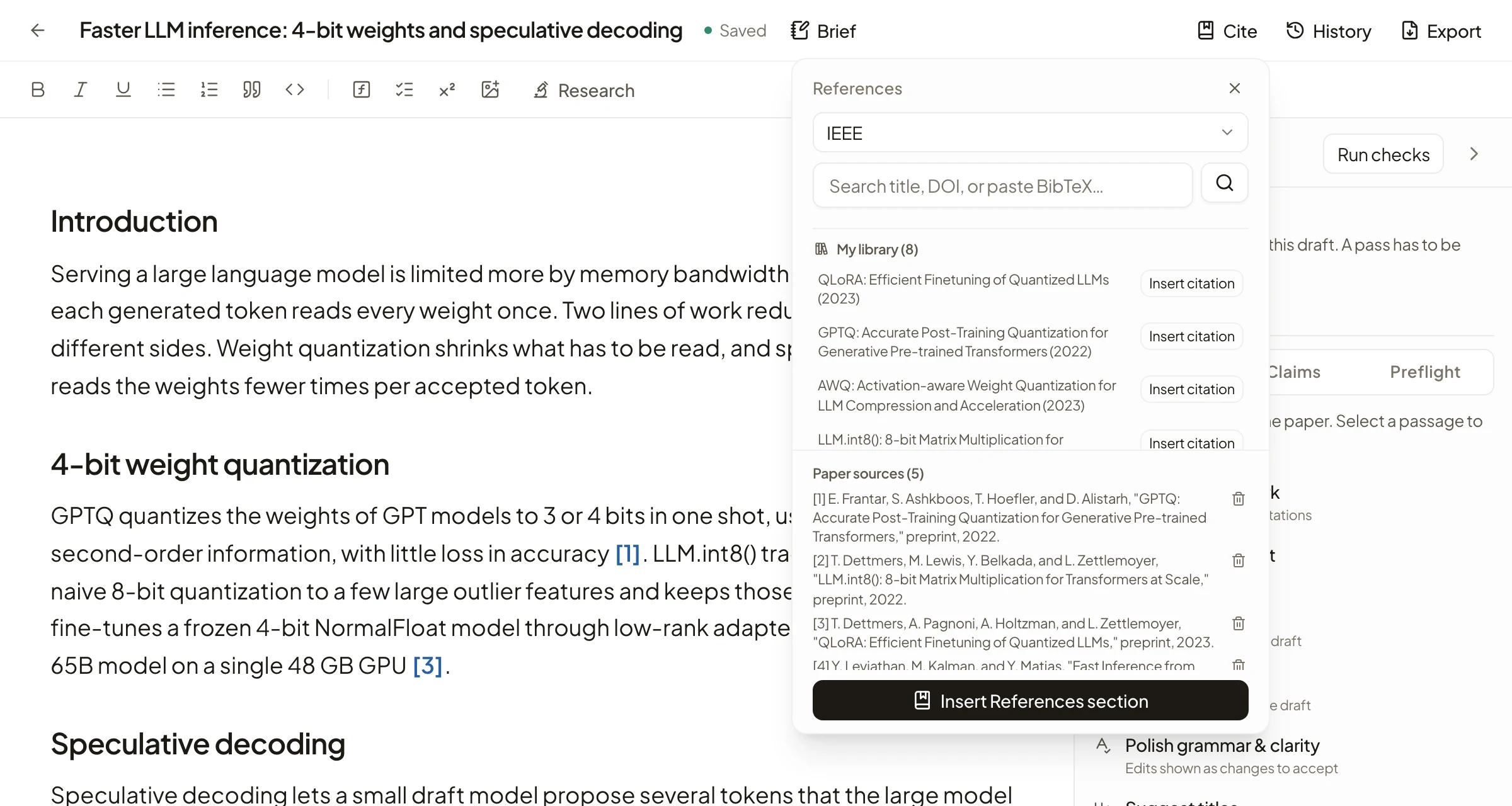
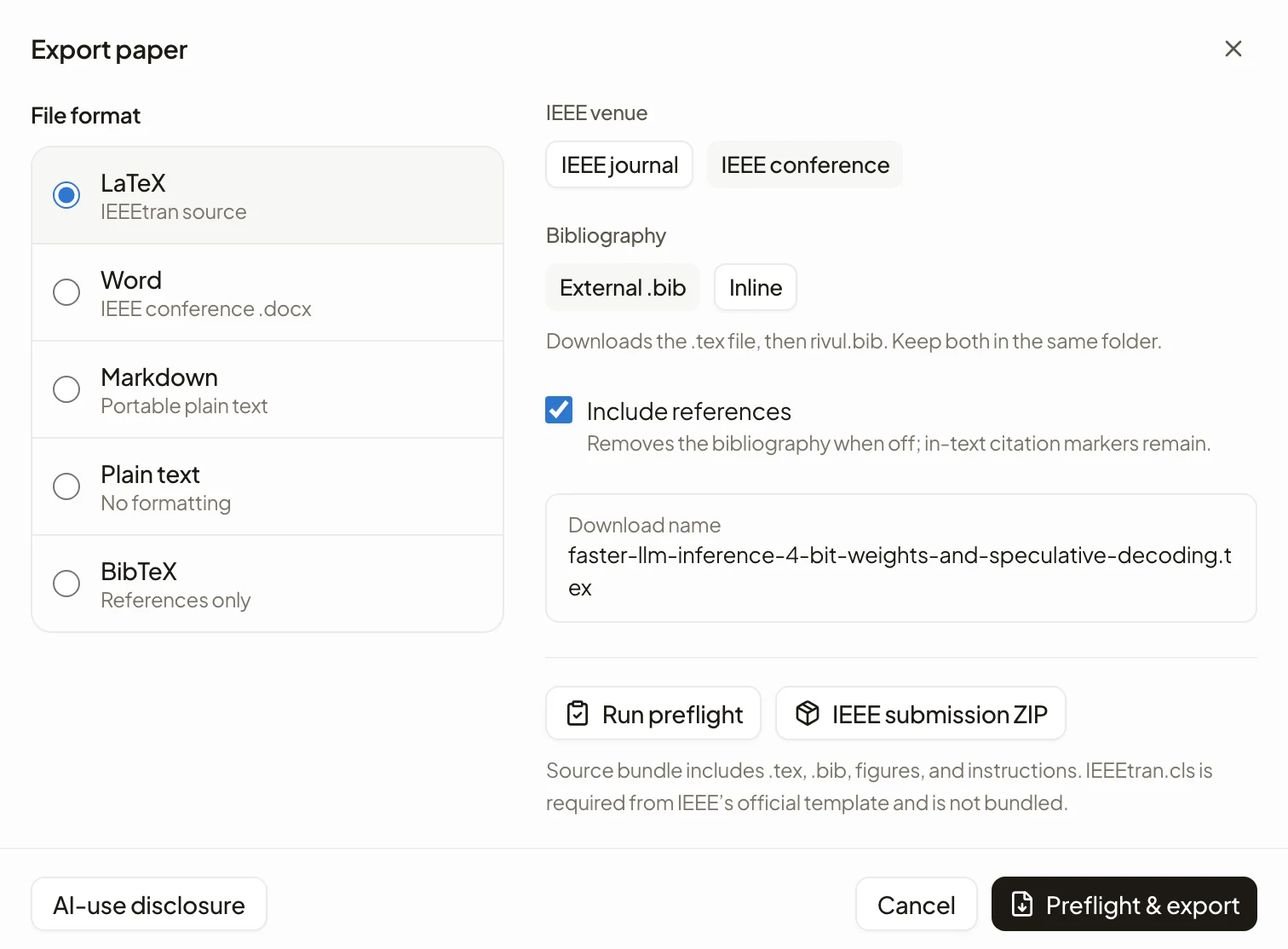
Each screen below is a capture of Rivul AI: the Zotero row in Connectors, the Library that receives the records, a citation inserted in the editor, and export.
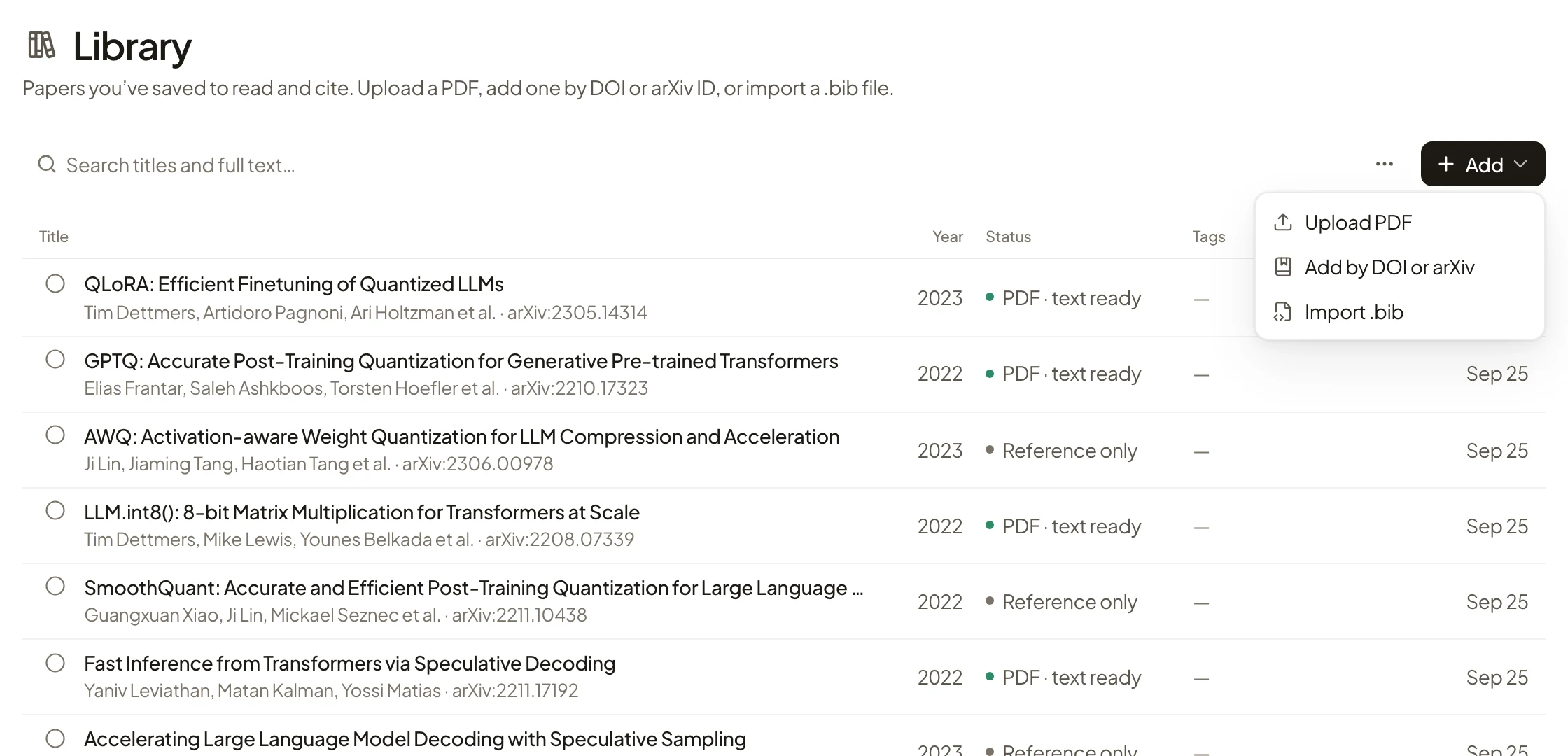
Move eligible top-level Zotero records into Rivul AI without rebuilding the reference list by hand.
Open the source record, add the PDF when full text is required, and keep the evidence close.
Insert a real library reference, then carry the bibliography into Word or LaTeX export.
Zotero import creates library records from source metadata. A metadata record is not the same as a readable PDF, so full text must be attached or retrieved before Rivul AI can search or answer from the document.
Native plugin phase: deferred until demand is measured. Zotero warns that desktop plugins have full access to Zotero and the computer. Any future plugin must use the smallest practical scope, publish reviewed release packages, declare tested compatibility, and follow the official plugin development guidance.
Yes. The Zotero row on the Connectors page accepts a Zotero API key and user ID, reads top-level items in batches, and reports imported and skipped records.
No. The current import creates source metadata records. Attach or retrieve the PDF in Rivul AI before using full-text search, paper questions, or evidence workflows.
After imported references are cited in a Rivul AI manuscript, export can produce a Word document or an IEEEtran LaTeX source file with references.
No. The key and user ID stay in the Zotero form on the Connectors page and are sent only when you choose Import or Push; Rivul AI never stores the key.
No. Rivul AI currently uses the Zotero Web API. A desktop plugin is deferred until demand justifies the broader trust, compatibility, review, and release work.
You can use Rivul AI alongside Zotero or instead of it. Zotero focuses on local cataloging and desktop PDF storage. Rivul AI adds search across metadata for 300M+ papers, an evidence matrix, and a manuscript editor that exports to Word or LaTeX.